Inbox
Telegram, WhatsApp and Instagram in one window
Chats run through the company’s accounts, not personal phones. Each chat sits on the buyer’s record, so when an agent leaves, the history stays.
Every flat, every buyer and every chat in one place. Memor keeps the chessboard up to date, answers buyers at night and makes sure no one who wrote to you is forgotten.
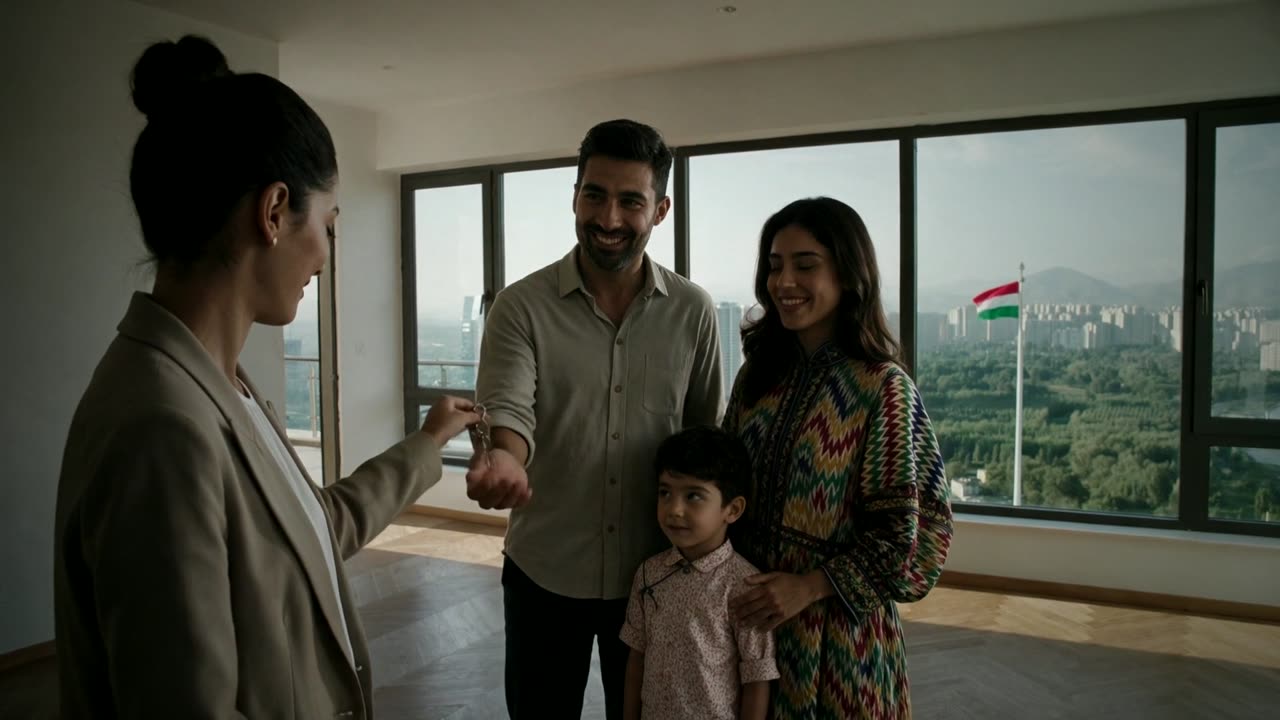
A day in a Dushanbe sales office, before and after Memor. In Russian.
“Madina, is forty-six free? The client is here.”
“I wrote to you three days ago. I’ve already bought in another building.”
“Not one client lost.”
Upload the 3D model your architect already made. Memor opens it in the browser with every wall, window and texture. Cut it at any floor, click a flat to see its price and plan, and walk through the rooms.
Export it from ArchiCAD or another 3D program as one archive with its textures and drop it in. Memor prepares it to open quickly on an ordinary office laptop.
Mark which part of the model is which block, set the floor heights and place the flats on each floor once.
Pick a floor, see which flats are free, reserved or sold, open any flat, or step inside and walk the rooms.
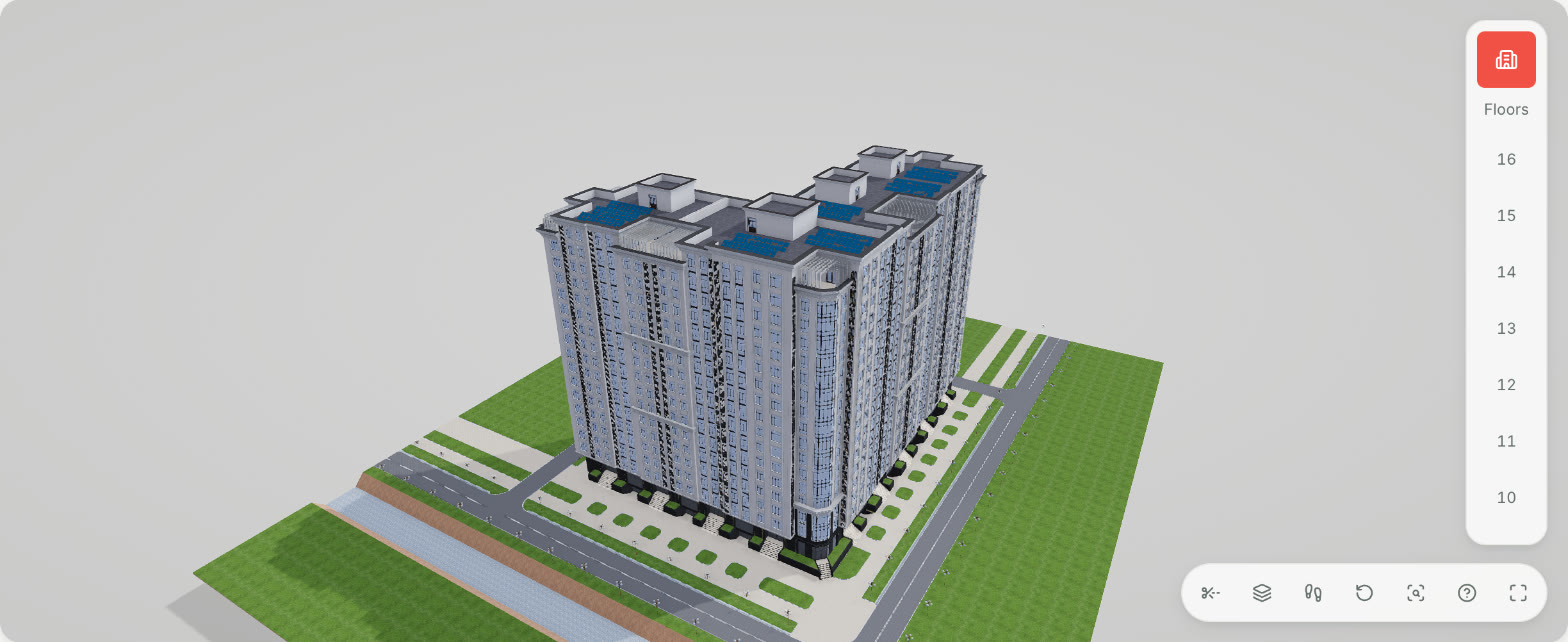
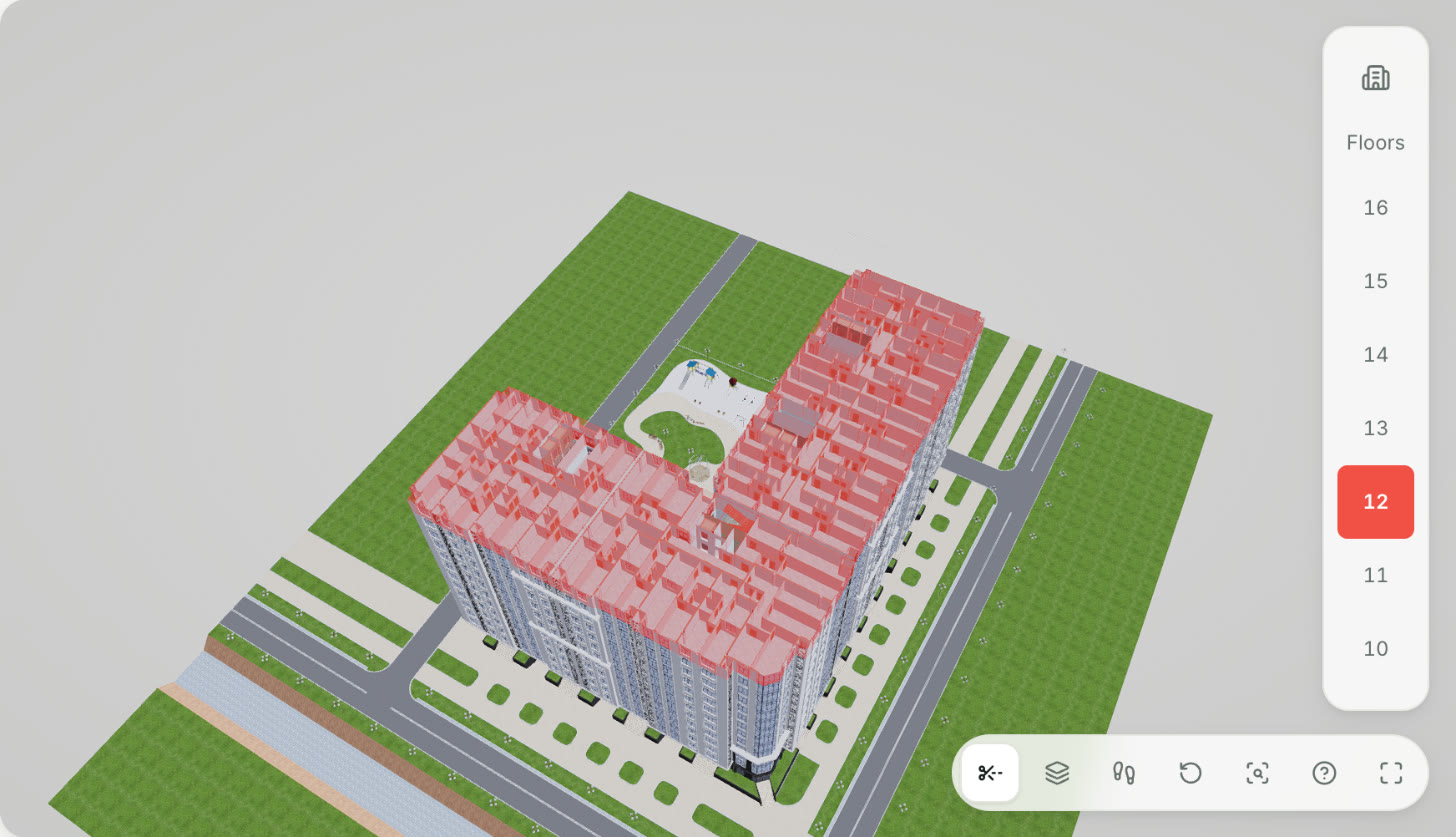
Uploaded as one 70 MB archive. These are screenshots from Memor, not renders. The 3D model opens in Memor’s web app, so your team can show it to buyers on any office screen.
Agents spend the day at viewings, not at a desk. Memor puts the chats, the chessboard and approvals in their pocket, and tells them the second a buyer writes.
Android asks once to allow installs from this source: allow it, then open the downloaded file.
New chats, requests and payments arrive as notifications on the phone, not in a Telegram bot.
Reservation requests and payments wait for the manager on the phone, wherever they are.
Every flat’s status and price, up to the minute, to show a buyer on the spot.
Pick a flat and send its card, with the plan and price, to the buyer’s Telegram or WhatsApp.
Agents open on chats and leads, managers on the overview, the accountant on payments.
Took a payment at a viewing? Record it from the phone, and the accountant confirms it in Memor.
One system for the sales office, the agents at viewings and the accountant. We set it up and move your spreadsheets in.
Chats run through the company’s accounts, not personal phones. Each chat sits on the buyer’s record, so when an agent leaves, the history stays.
It replies from your live chessboard and prices, books viewings and steps back the moment an agent writes.
Agents ask, the manager approves. A flat can never be promised to two buyers.
Down payment, schedule and reminders. The accountant confirms each payment.
Passport details, the flat and the price fill in by themselves, in Tajik or Russian, with every figure also in words.
Roles for the manager, team leads, agents and the accountant. Each agent sees their own commission as it is earned.
Telegram, WhatsApp, Instagram or your website. A lead appears right away.
Shows flats on the chessboard or in 3D and books a viewing.
The flat turns reserved for the whole team at once.
From your template, in Tajik or Russian.
The down payment and every instalment, with reminders.
The whole history stays with the company.
Flats, floor plans and the site plan in your colours. When a flat sells, the site already knows. When a buyer asks, the request is already in Memor.
We’ll work out the price with you on the demo, based on your projects and your team.
Request a demoSelling flats without new builds? Mention it in your request.
Each agency’s data is stored separately and sent over a secure connection. Staff see only what their role allows, and buyer documents are private.
We’ll work out the price with you on the demo. It depends on your projects and the size of your team.
The interface is in Russian and English. Contracts and receipts can be in Tajik or Russian, in USD or TJS, with every figure also written in words.
Yes. Send us your spreadsheets of listings and clients and we’ll import them during setup. You can also load a new build’s flats yourself from a CSV.
Yes. Your site works at agency.memor.tj from day one, and we’ll connect your own domain on request.
Yes. There is an app for iPhone and Android with chats, the chessboard, reservations and approvals.
No. Use the model your architect or designer already has. Export it from ArchiCAD or a similar program as one archive with its textures and upload it. Memor prepares it for the browser, and you can upload a new version whenever the design changes.
Only if you turn it on. It answers from your live prices and availability and stops as soon as an agent replies in the chat.
Send a request — we’ll call to arrange a demo at a time that suits you, online or at your office.